AI Worksheet Generator for Kids: Safe, Smarter Practice
Turn one learning objective into a reviewed worksheet with a teacher-led workflow for accuracy, reading level, accessibility, and answers.
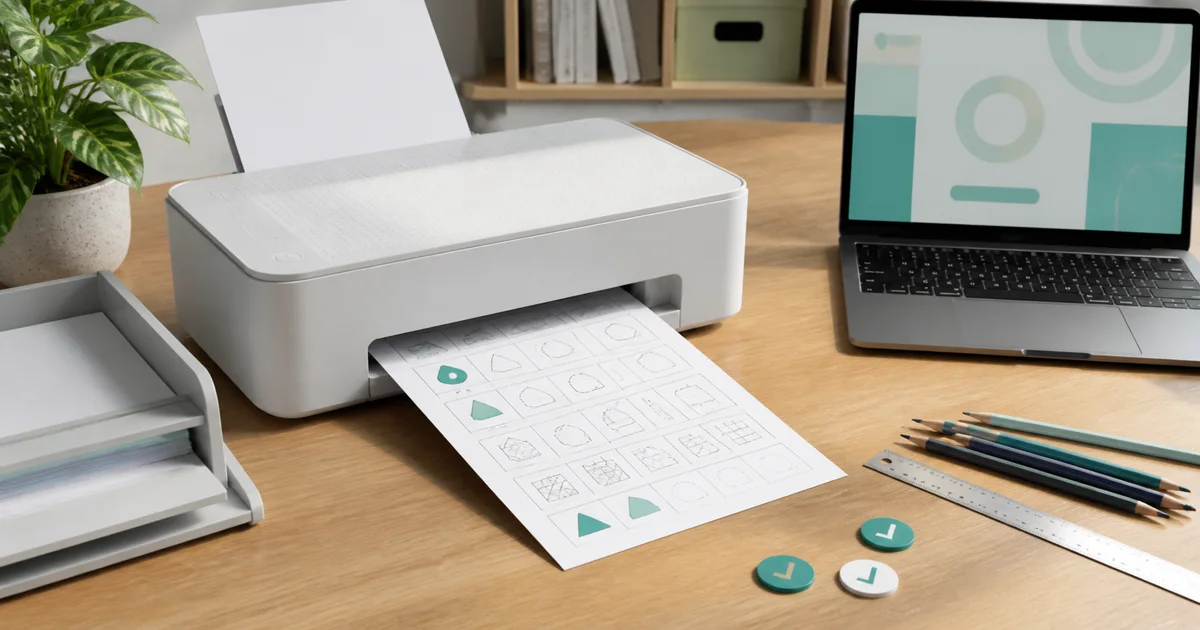
An AI worksheet generator can turn a clear learning objective into a useful first draft. It can also produce ambiguous questions, wrong answer keys, uneven difficulty, and pages that look busy without teaching much. The difference is not the prompt alone. It is the review process between generation and the child’s desk.
Use AI to reduce blank-page work, then apply teacher judgement to every item. This guide gives parents and educators a practical workflow for creating, checking, assigning, and improving a worksheet.
Before choosing a product, use the best AI worksheet generator comparison to compare review controls, differentiation, output quality, and the path from a draft to student practice.
Write the objective before opening the generator
Start with what the learner should do, under what conditions, and within what range. “Make a maths worksheet” is not enough. A useful objective sounds like:
- solve addition facts within 20 using ten frames and equations;
- identify the main idea and two supporting details in a 120-word Grade 3 passage;
- choose the correct long-vowel pattern in one-syllable words;
- compare fractions with the same denominator using visual models;
- write complete sentences with capitals and end punctuation.
Add the number of questions, response format, reading level, and whether an answer key is required. Name anything the learner has not been taught so the generator does not quietly introduce it.
Before generating, check a few examples in the free printable worksheet library. Real pages help you decide how much space, visual support, and instruction the task needs.
Generate a small draft, not a finished packet
Ask for five to eight items first. A small batch is faster to inspect and reveals whether the system understood the skill. If the first items are wrong, generating forty more only multiplies the cleanup.
A practical request might be:
Create six Grade 2 subtraction questions within 100. Use the regrouping method taught in class. Include two place-value models, three equations, and one short word problem. Keep all reading at Grade 2 level. Provide a separate answer key. Do not use negative numbers or money.
For reading, specify the passage source requirement. Do not ask a generator to imitate a copyrighted story or create a passage that pretends to be factual without verification. For science and social studies, fact-check every claim before a child sees the page.
The iBloom lesson-wise builder starts from a defined grade, subject, and lesson, which is safer than asking an open system to invent the curriculum context.
Run the answer-first accuracy check
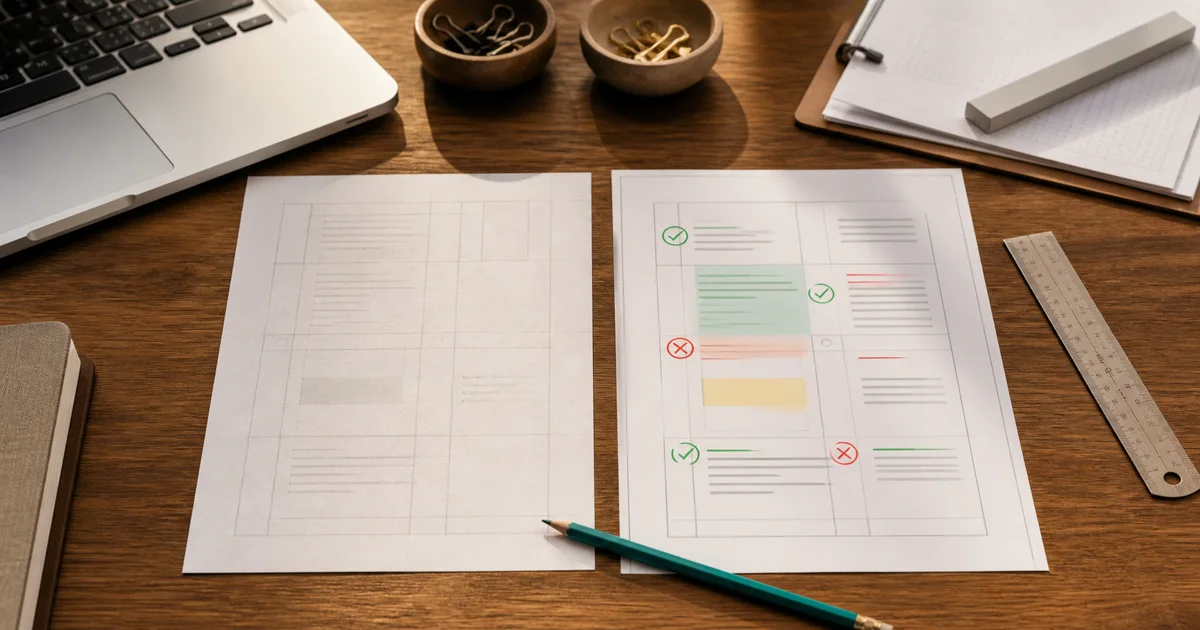
Solve every item before formatting or assigning it. Do not rely on the generated key to verify the generated questions; the same system may repeat its own mistake.
For mathematics, check the calculation, units, diagram, and whether the wording permits only one answer. Inspect visual models carefully. Ten frames, number lines, clocks, fraction bars, and graphs can contain subtle mismatches between the picture and the text.
For language questions, confirm that the requested answer is defensible. A main-idea question should not have two equally strong choices. A grammar item should not depend on an obscure exception that the child has not learned. A spelling picture must clearly represent the intended word.
For reading passages, verify names, chronology, and factual statements. Check that comprehension answers come from the passage rather than outside knowledge. If an adult cannot explain why one answer is correct and the alternatives are not, revise the item.
Mark each item with one of three decisions: keep, edit, remove. Do not preserve a weak question merely because it was generated quickly.
Check the learning progression
A worksheet should have a shape. Randomly ordered items can make a child feel as if the difficulty changes without warning.
Begin with one accessible item that confirms the directions. Move into the target level, then include one item that asks the learner to apply the idea in a slightly different form. If every question is identical except for changed numbers, the page may measure repetition more than understanding.
For a ten-question worksheet, a balanced sequence could be:
- two familiar warm-up items;
- five direct target-skill items;
- two varied representations;
- one explanation or application item.
Remove accidental difficulty. Long character names, unfamiliar settings, dense instructions, and decorative data can raise the reading demand without improving the subject task. A child should struggle with the intended concept, not with avoidable clutter.
Review reading level and accessibility
Read every instruction aloud. If you need to pause twice inside one sentence, rewrite it. Put the action first: “Circle the greater number” is clearer than “After considering the two quantities shown below, indicate which has the greater value.”
Check font size, line spacing, writing space, contrast, and the number of elements competing for attention. Young children need room for large handwriting. Learners solving multi-step mathematics need space to show work. A page that looks efficient on a laptop may feel cramped when printed.
Accessibility is not the same as making everything easy. It means the page communicates the task without unnecessary barriers. Use consistent symbols, meaningful alt text for online images, sufficient colour contrast, and instructions that do not depend on colour alone.
For multilingual learners, keep sentence structures clear and explain vocabulary that is not part of the target. For children with attention difficulties, reduce decoration and group related questions visibly. For learners who need challenge, deepen the reasoning rather than simply increasing the amount of work.

Protect child data during creation
Create the worksheet from a learning profile, not a personal profile. “A Grade 4 learner who confuses equivalent fractions” is sufficient. The generator does not need the child’s full name, school, disability record, assessment report, family circumstances, or unredacted work.
If you upload an example, remove names, class identifiers, handwriting that is not needed, teacher comments, and metadata. Follow the school’s approved-tool policy. A convenient upload button does not make student data appropriate to share.
UNICEF’s guidance on AI and children places privacy, safety, transparency, fairness, inclusion, and children’s best interests at the centre of child-focused AI. Use those ideas as a review checklist, not merely a policy statement.
UNESCO’s guidance for generative AI in education also recommends a human-centred, age-appropriate approach. In practice, the teacher owns the prompt, verifies the material, and decides whether the output belongs in front of a learner.
When using iBloom, review the platform’s privacy information and keep adult account controls with the parent or educator.
Print-test and screen-test the real output
Previewing a page inside a builder is not the same as using it. Print one copy at the intended paper size. Look for clipped margins, tiny answer spaces, page breaks that separate directions from questions, and an unexpected blank page.
For an interactive version, open it in the same kind of device the learner will use. Check keyboard focus, tapping, scrolling, image loading, question numbering, submission, and feedback. A worksheet can be academically correct and still fail because the final item is hidden behind a button or an image does not load.
Use iBloom printable worksheets when paper supports annotation or reduces distraction. Use interactive practice when immediate feedback and repeated attempts improve the task. Choose the format from the learning action, not from novelty.
Introduce the worksheet without over-explaining it
Tell the learner the purpose in one sentence: “This page will show whether regrouping is becoming automatic.” Complete the directions and, if needed, one example. Then step back.
If the child asks for help, decide whether the difficulty is the instruction, the concept, or the effort of getting started. Clarify directions freely. Give a hint for the concept. Avoid solving the item and counting it as independent practice.
For home use, ten to fifteen focused minutes is often enough. Teachers can assign a section rather than the full page when the evidence appears quickly. Finishing every box is less important than preserving accurate, attentive work.
Use results to revise the worksheet
The first use is also a test of the page. If many learners miss the same item, inspect the item before concluding that the class lacks the skill.
Ask:
- Did the wording introduce a second interpretation?
- Was the example inconsistent with the question?
- Did a diagram or answer choice contain an error?
- Did the item require a prerequisite that was not taught?
- Was there enough space to complete the work?
Keep a revision note with the worksheet. Change weak items before reuse. If the page produced useful evidence, save the objective, prompt, review decisions, and final version—not only the raw generated draft.
Use iBloom assessments when you need a more formal check separate from guided practice. A worksheet should help learning move; an assessment should help you judge where learning currently stands.
A twelve-point approval checklist
Before assigning any AI-assisted worksheet, confirm:
- The objective names one clear skill.
- Grade and difficulty match the learner.
- Every question has been solved by an adult.
- The key matches the final edited questions.
- Each item has one defensible answer unless open response is intended.
- Instructions are short and direct.
- The sequence moves from accessible to target-level work.
- Images, diagrams, and data are accurate.
- The page has enough writing and working space.
- No unnecessary child data entered the generator.
- Print or interactive output has been tested.
- Results will lead to a named next step.
If one of these checks fails, the draft is not ready. Generation saved time only if the final review preserves quality.
Parents and teachers can create a free iBloom account to explore real worksheet formats before building their own. For a broader discussion of tutoring, see the AI tutor safety guide.
Frequently asked questions
Can I assign an AI-generated worksheet without editing it?
You should not. Solve every item, verify the answer key, check reading level and layout, and test the final format. Even a polished draft can contain a wrong diagram or ambiguous question.
How many questions should the first draft contain?
Generate five to eight. A small batch reveals whether the objective, level, and format were understood. Expand only after the sample passes review.
What should I include in a worksheet prompt?
Name the grade, exact skill, number and type of questions, difficulty range, allowed representations, reading level, excluded concepts, and answer-key requirement. Include less personal learner information, not more.
Are AI worksheets suitable for assessment?
They can contribute only after rigorous review, secure administration, and alignment with what was taught. For higher-stakes decisions, use validated school processes and multiple sources of evidence rather than one generated page.
How do I personalise a worksheet without sharing private information?
Describe the learning need anonymously: current grade, skill, common error, preferred representation, and appropriate reading level. Do not provide names, contact details, school records, or unredacted work.
Should I choose printable or interactive output?
Choose print for handwriting, annotation, worked steps, or offline focus. Choose interactive practice for immediate responses, repeated attempts, and accessible digital controls. Many learners benefit from using both formats for the same objective.