
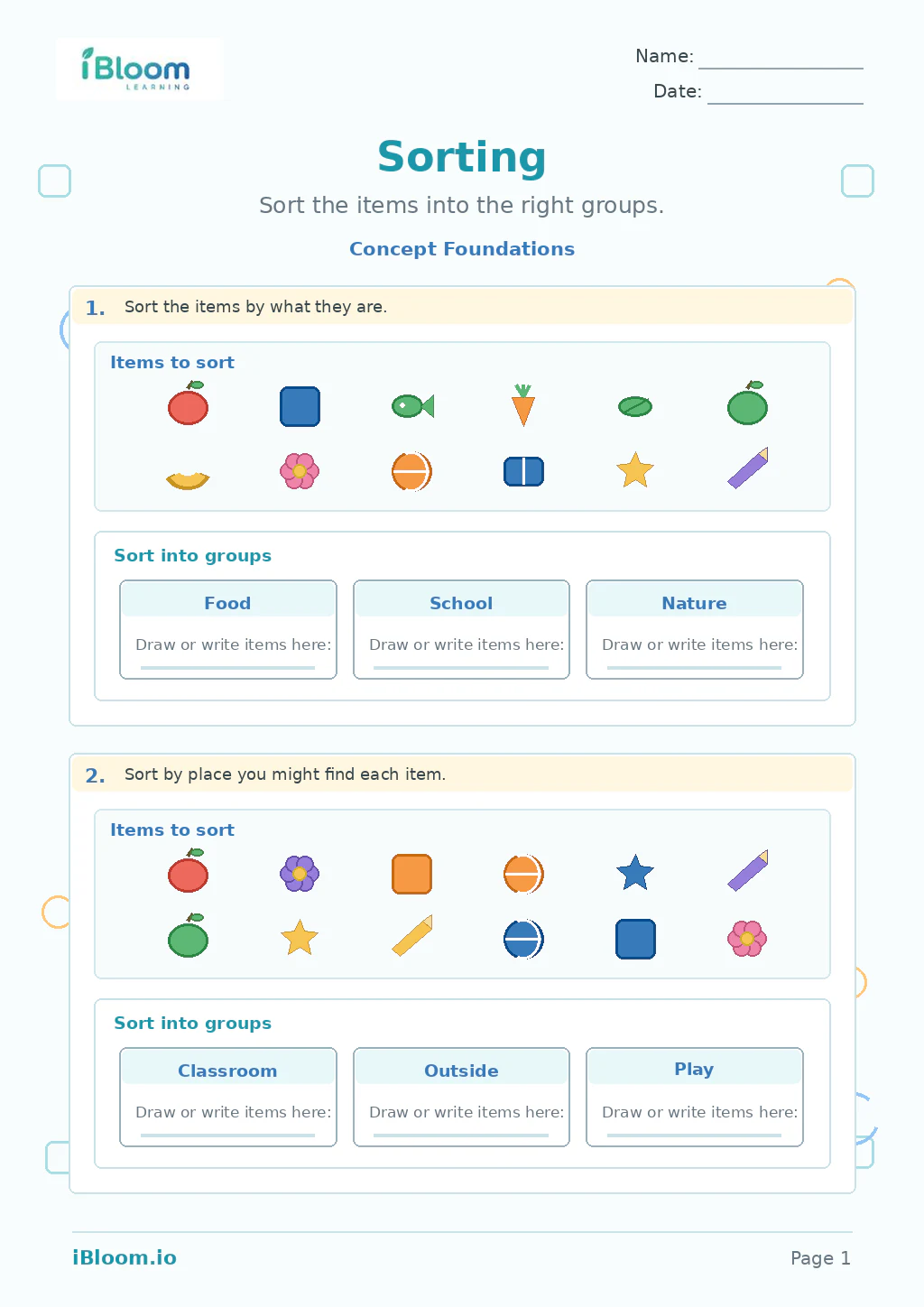


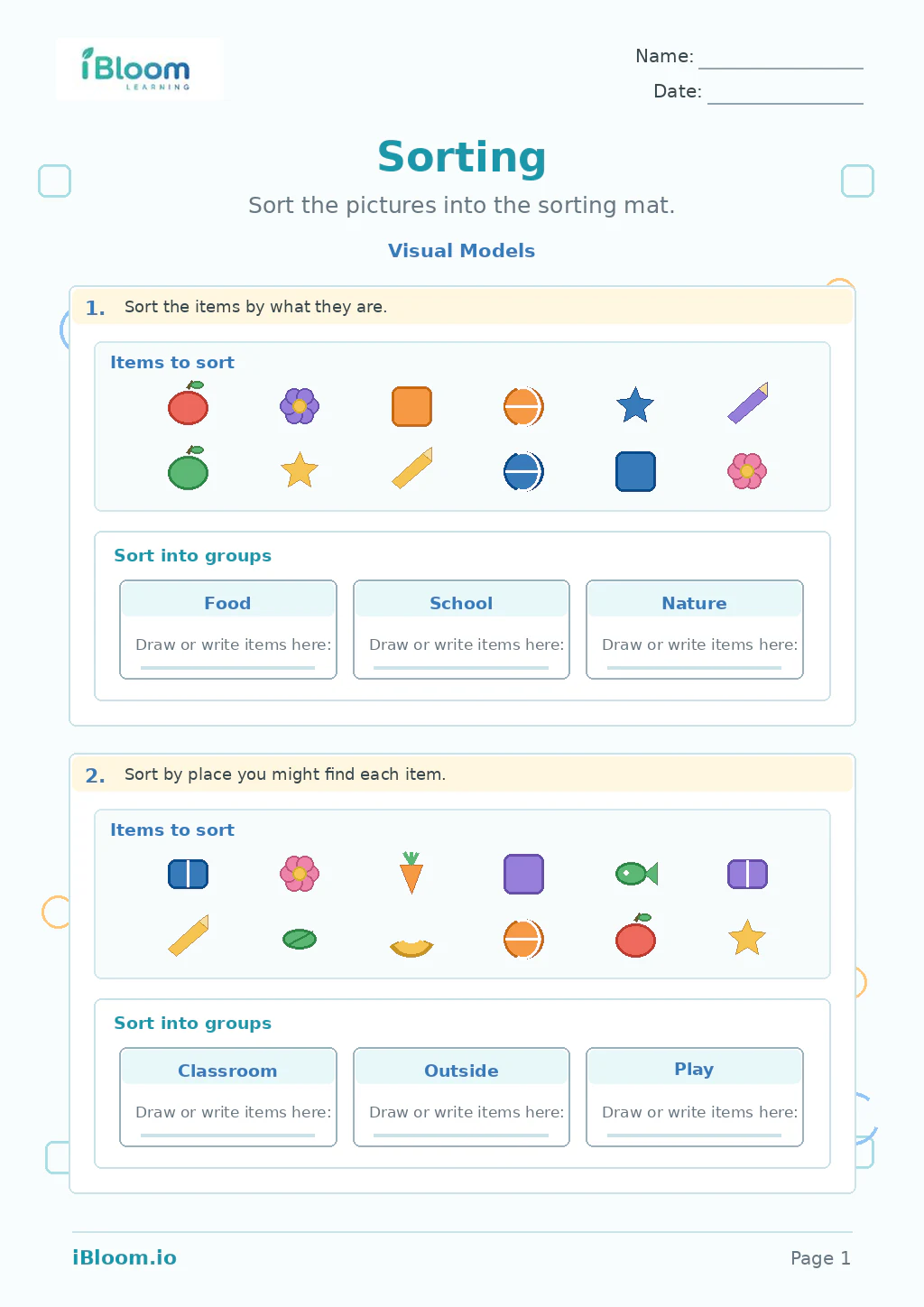

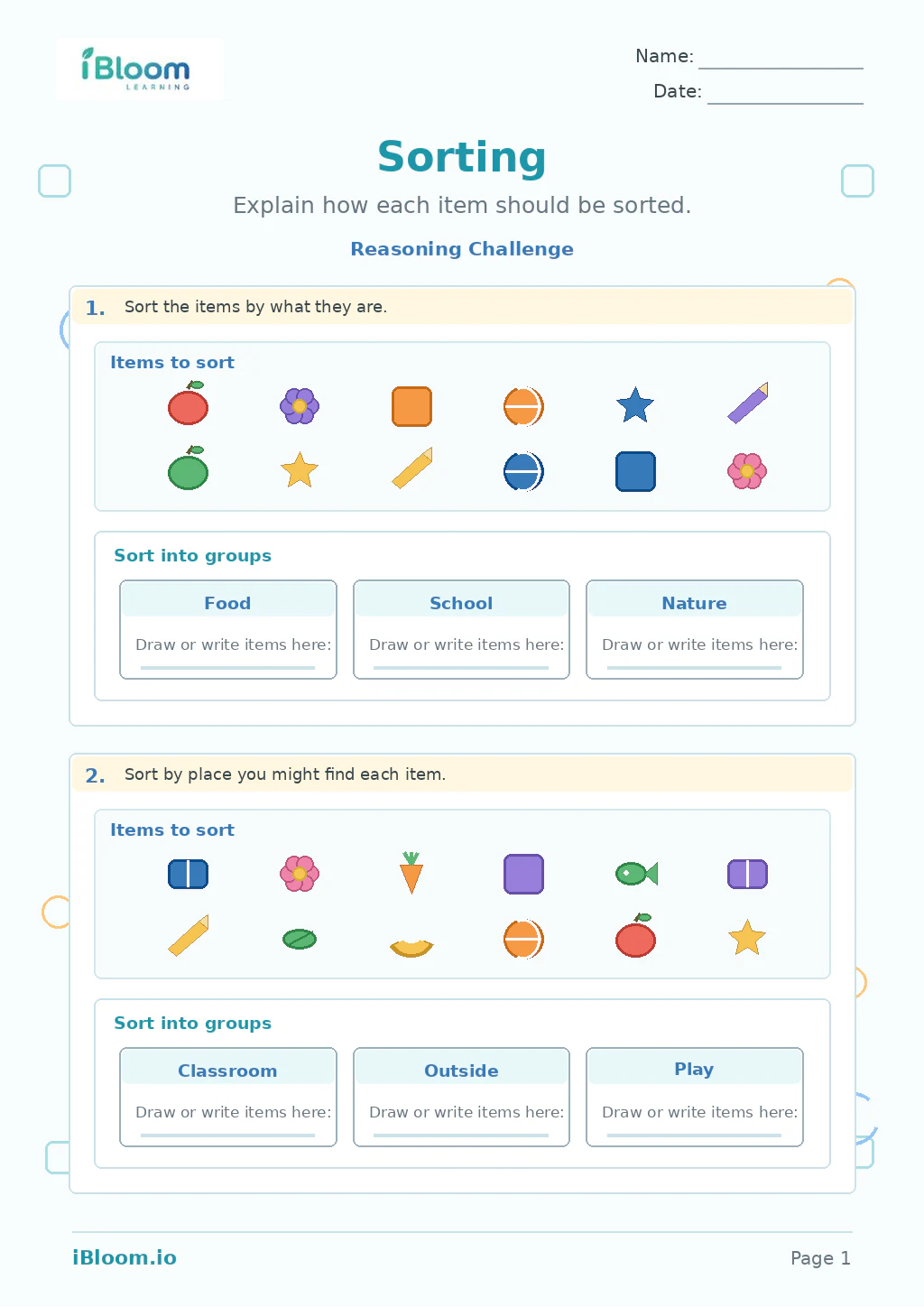
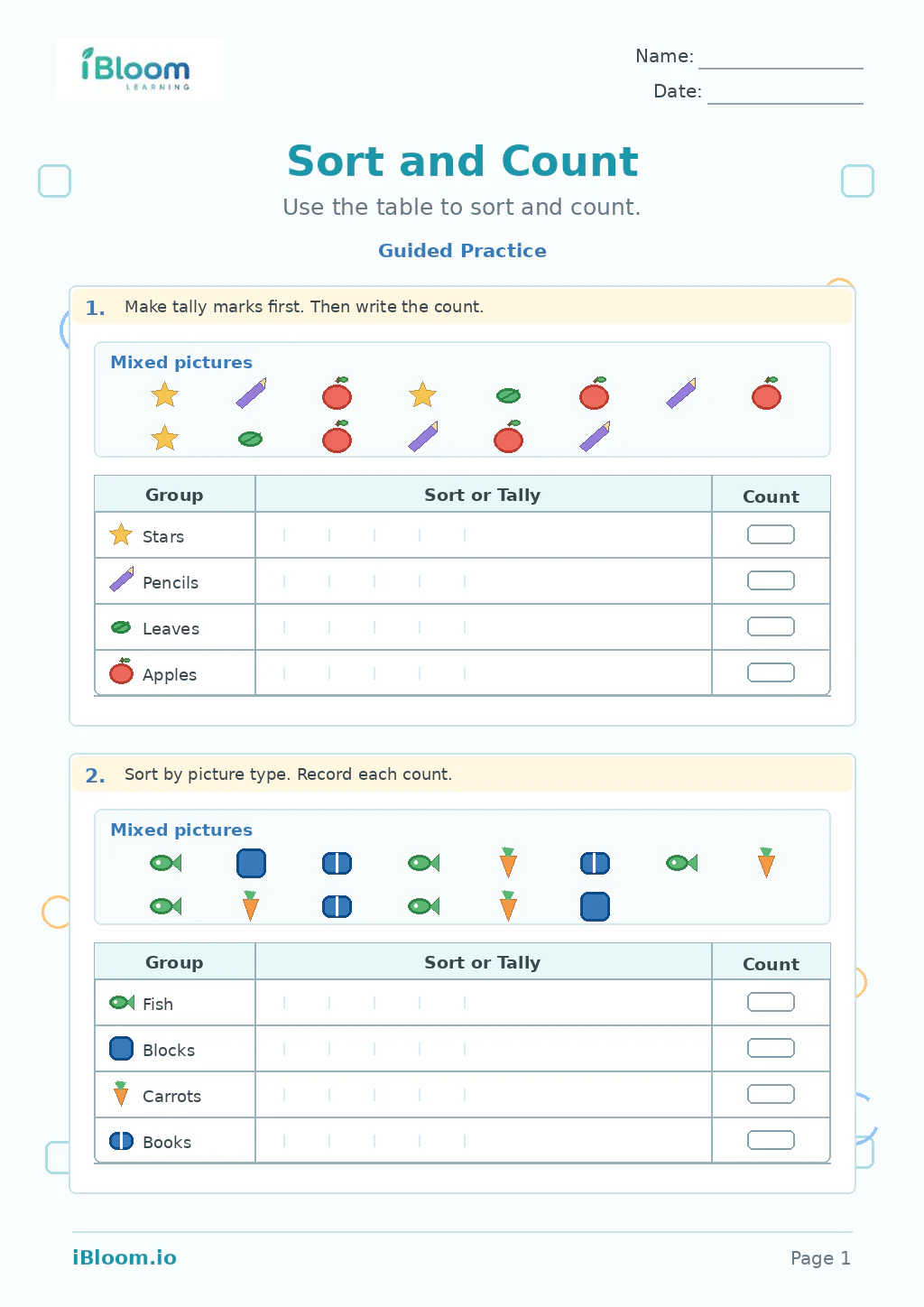
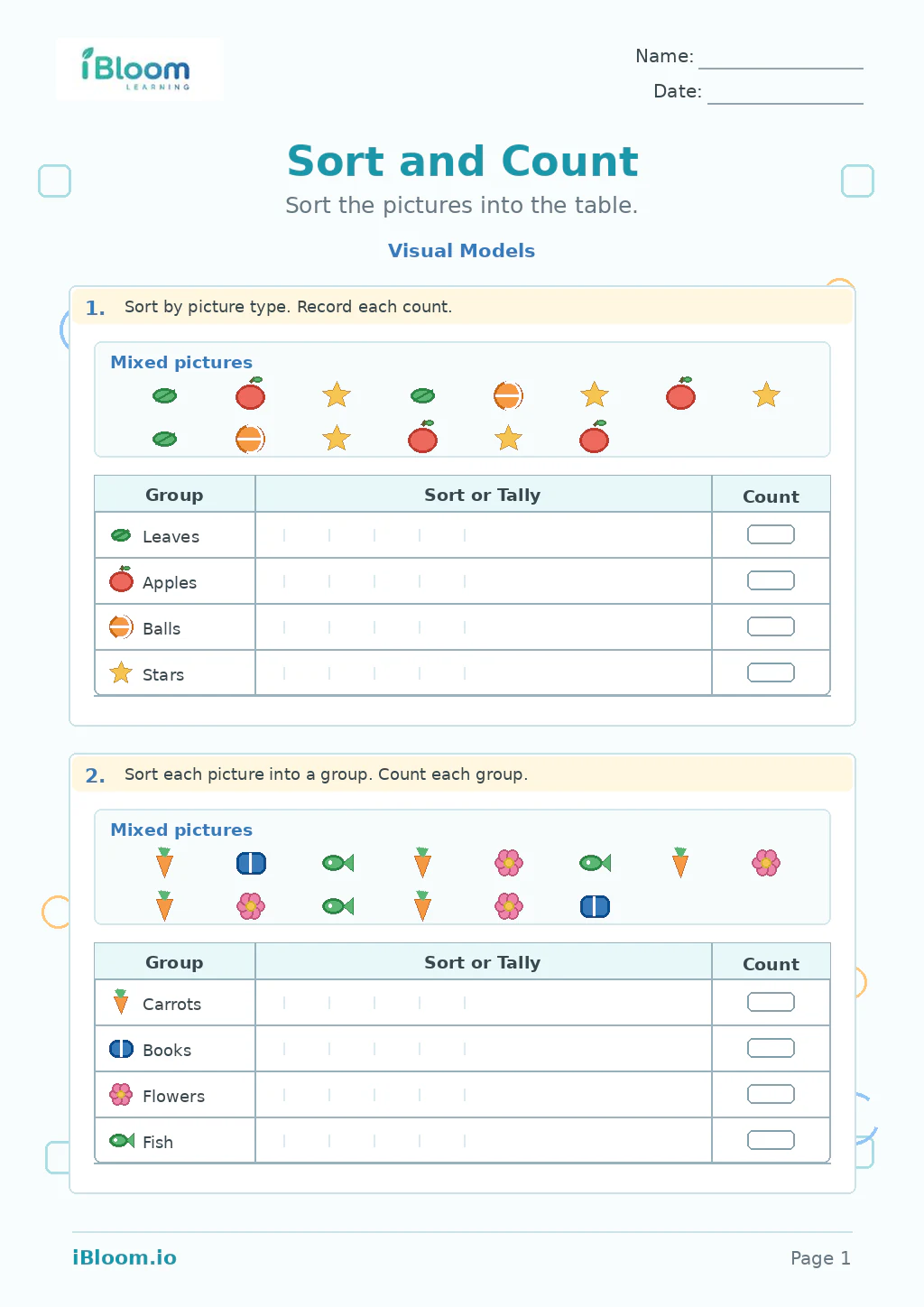
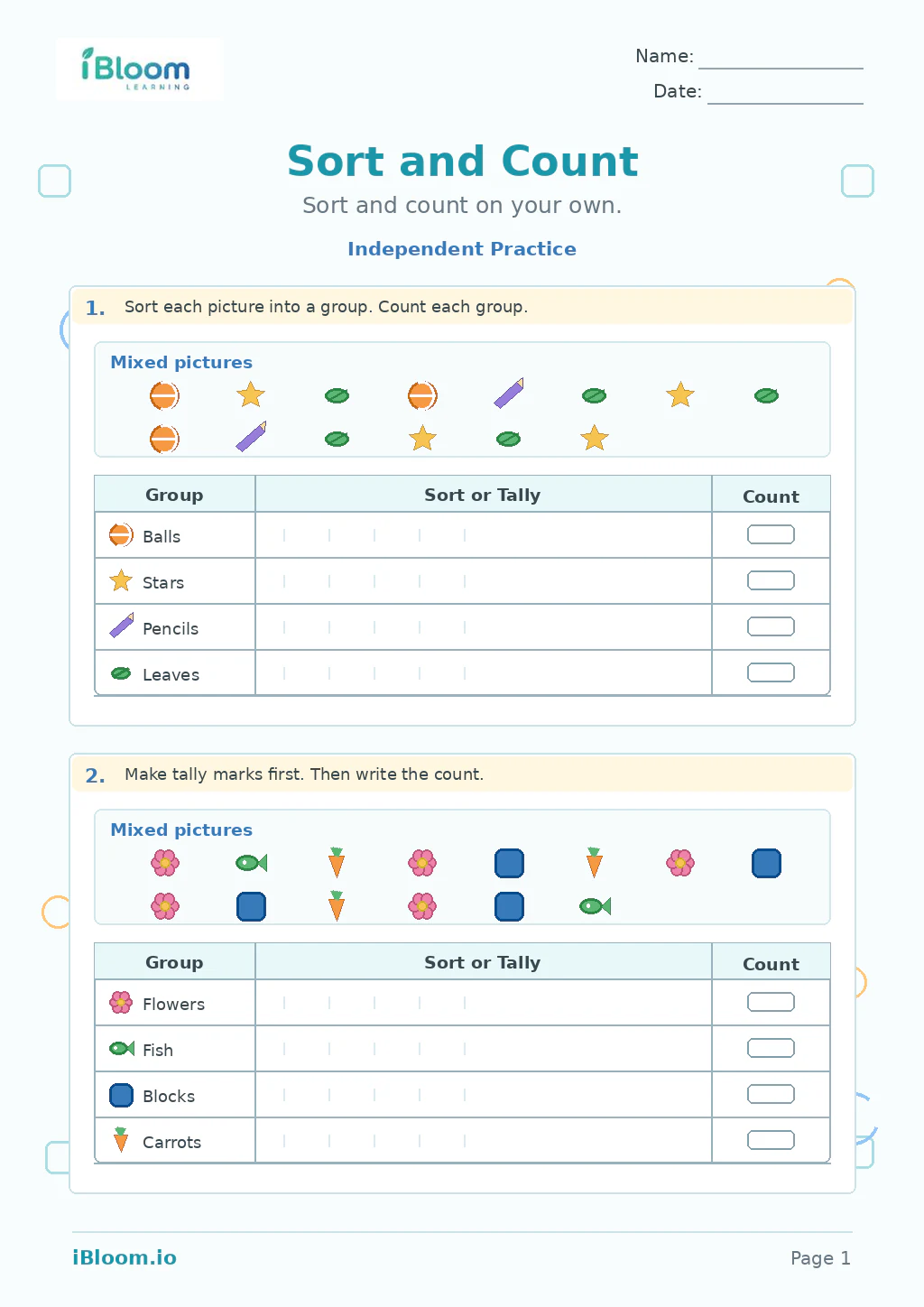
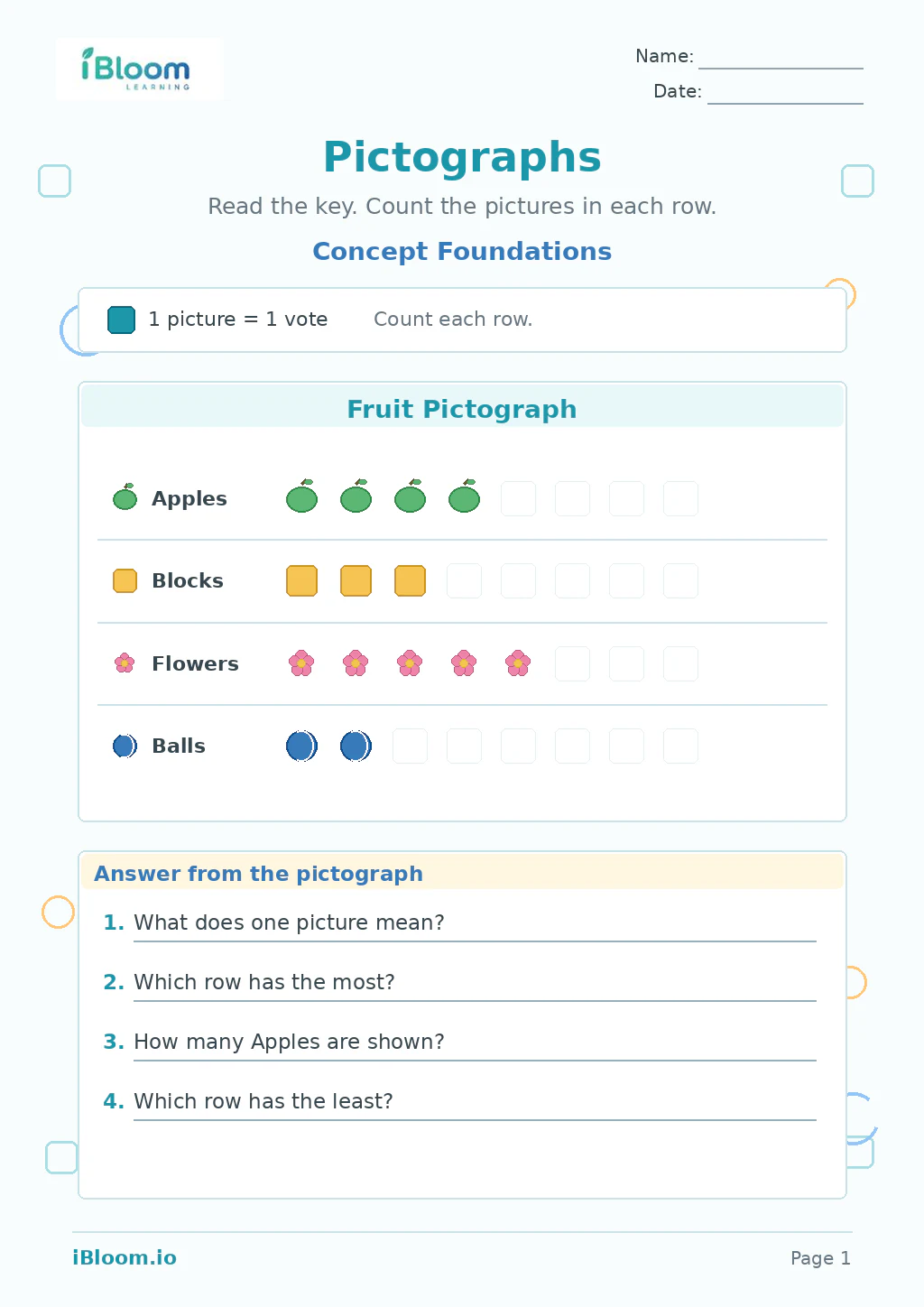
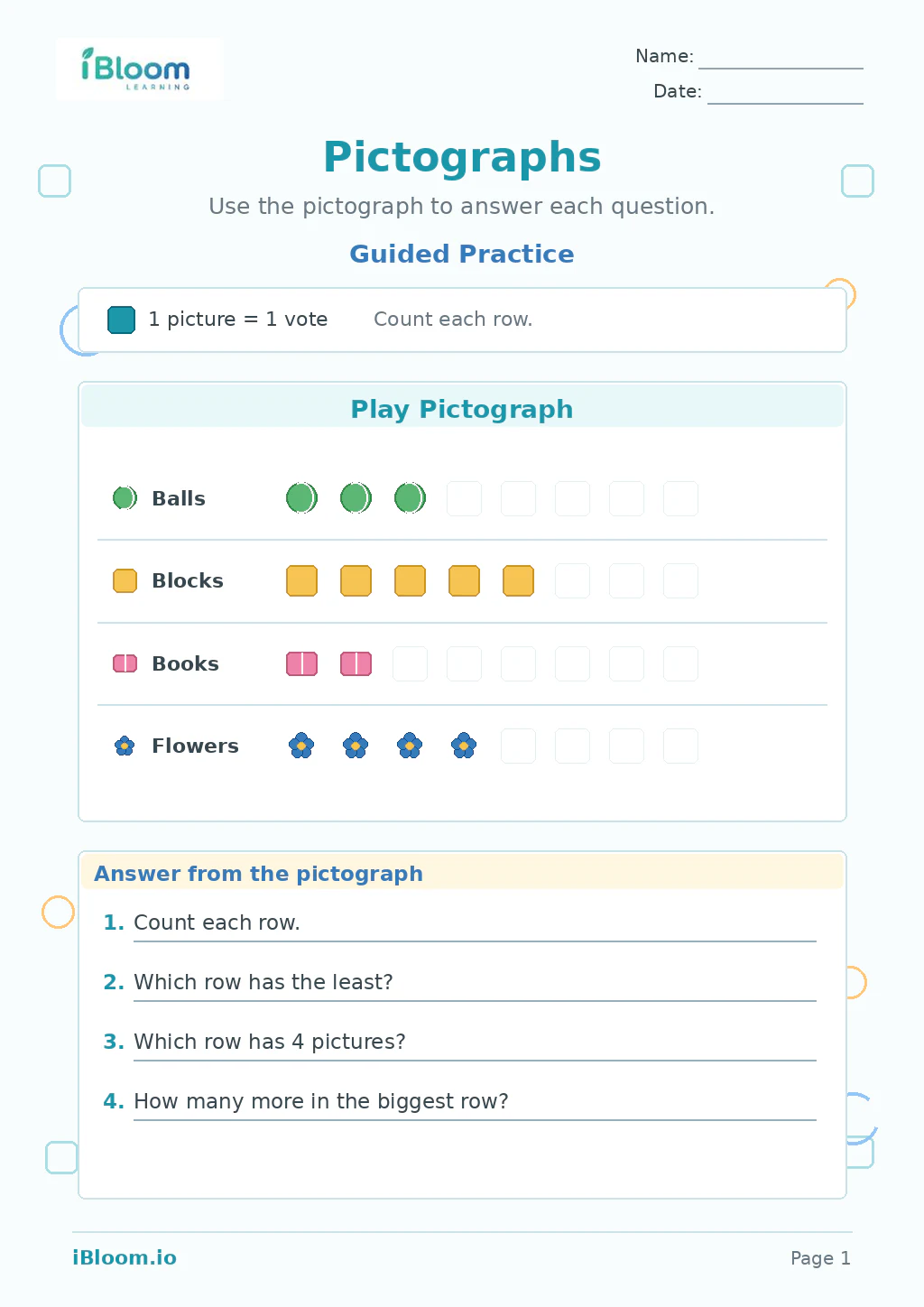
About this worksheet
This free Grade 1 printable combines sorting familiar items with reading a small data table. Children compare fruit counts, find a total, and match objects to categories such as clothing or farm animals. A separate answer key is included. The data questions practice organizing, representing, and interpreting categories under CCSS 1.MD.C.4.
Aligned to 1.MD.C.4
How can children compare fruit counts?
Read each fruit row in the table, then compare the counts or add them. The rows list Apple 2, Pear 4, and Banana 3. Pear has the most, and the three categories total 9 votes.
- 1Apple: 2 votes; Pear: 4; Banana: 3
- 2Compare the counts: 4 is the greatest
- 3Pear has the most votes.
How do children sort everyday items?
Name the category in the prompt, then check which object shares that feature. A boot is worn on a foot, while a cow belongs with farm animals.
What skills does this page combine?
The first four questions use a small table to compare fruit counts and find a total. The next ten ask children to match everyday objects to a shared category.
- Part A: compare fruit counts and find totals from a data table
- Part B: sort familiar items by category
- The answer key lists data answers and category choices
How to use this worksheet at home or in class
- 1Read the instruction and section heading before starting each part.
- 2Work through the first example together and name the steps aloud.
- 3Let the learner complete the next questions independently.
- 4Pause after each part to check that the answers make sense.
- 5Use the separate answer key to review; revisit any missed item with the worked steps.
Common mistakes and quick fixes
The mistake
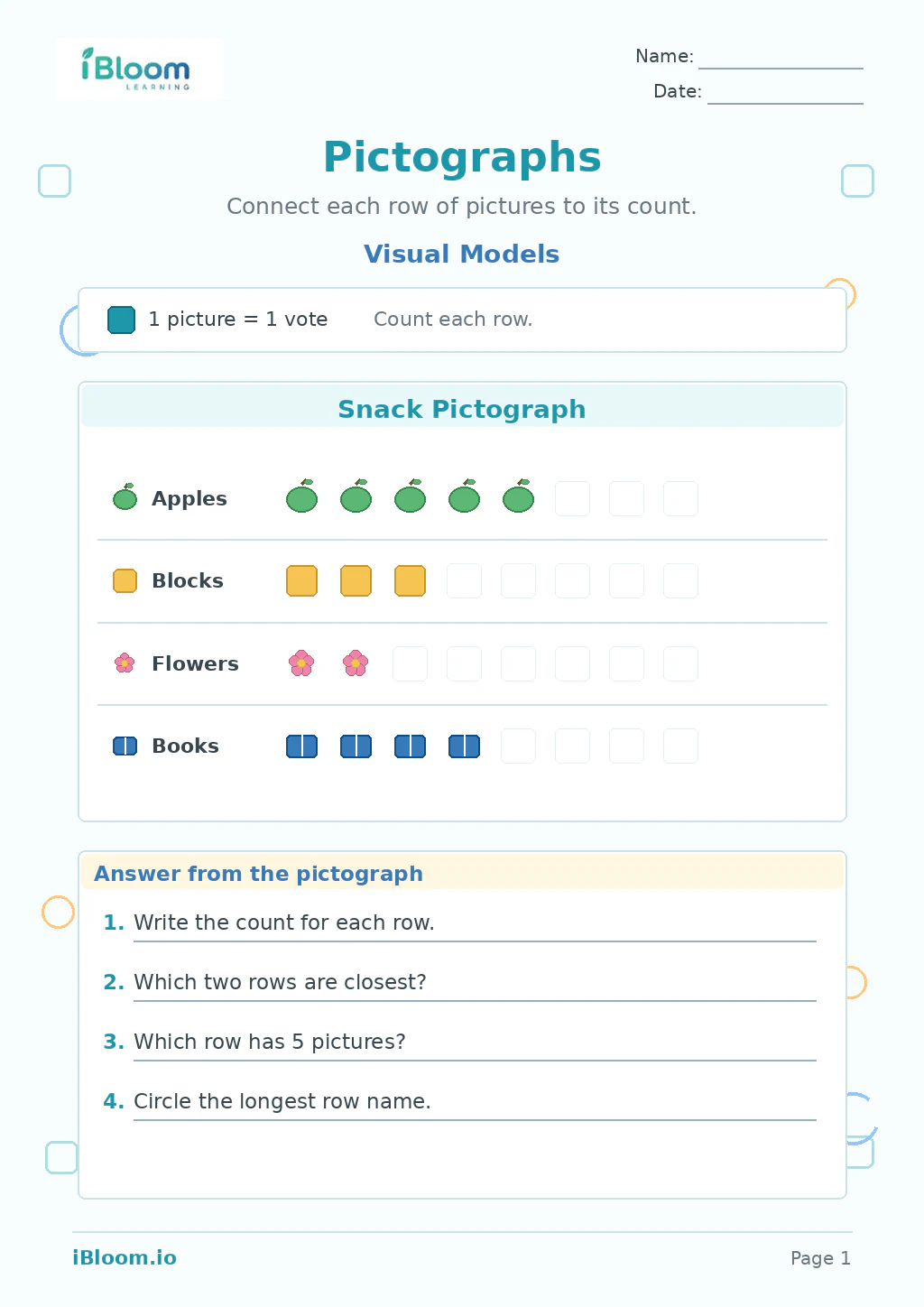
Counting the graph key as a vote.
The fix
Count only the picture symbols in the row.
The mistake
Choosing the larger category when asked for fewer.
The fix
Compare the two row totals and point to the smaller one.
The mistake
Sorting by color instead of the stated feature.
The fix
Say the category rule first, then test the item against that rule.
Common Core alignment
This worksheet practices the following Common Core skills through its printed questions.
Sort items into categories and interpret counts in each group.
On this sheet: Children represent three fruit categories in a table, compare counts, and find the total.
Show the official wordingHide the official wording
Organize, represent, and interpret data with up to three categories; ask and answer questions about the total number of data points, how many in each category, and how many more or less are in one category than in another.
What to practice next
Make more practice
Further reading
Questions parents and teachers ask
What does sorting mean on this worksheet?
Sorting means grouping objects by a feature they share. The second part asks children to match familiar items, such as a boot or a cow, to a named category. Read the category first, then check which choice fits it. One picture equals one vote.
How can a child read the fruit data table?
Read the number beside each fruit to find its count, then compare the rows. Apple has 2 votes, Pear has 4, and Banana has 3. Pear has the most, and Apple has the fewest. The table keeps all three categories visible.
How many votes are there altogether?
Add the three table counts: 2 apples + 4 pears + 3 bananas = 9 votes. Question 4 asks for this total. The table keeps each category and its count on a separate row, so children can check the addends before finding the sum.
How can a child decide which category an item belongs in?
Use the category named in the question and identify the feature it describes. A boot is something worn on a foot, and a cow is a farm animal. Ask the learner to say the category rule before choosing. Compare Pear’s count with Apple’s.
Does the answer key include the fruit counts?
Yes. The separate key gives all four data answers, including the total and comparisons, plus the ten category choices. Children can point to a table row or name the category rule to explain how they checked each answer. The counts are shown clearly.